Start with what you want to make.
We discuss your workflow, source materials, and intended tool in advance. We also consider whether chat or Cowork is sufficient, or whether the task calls for Claude Code.
 Discuss a workshop
For business leadersPrivate Claude Code workshops
Have a task you would like AI to handle? Start there. Keita Sunaga works with your own business examples to show you how to build, check, and improve the result.
Explore the plansYou have made something with AI. Can you trust its proposed approach? What should you change to make it useful? We work through those questions using your own business tasks.
Your contact for preparation, teaching, and follow-upWe discuss your workflow, source materials, and intended tool in advance. We also consider whether chat or Cowork is sufficient, or whether the task calls for Claude Code.
We provide standard setup instructions and videos. The supported plan also includes research into your setup and help preparing questions and explanations for your IT team.
What context should you provide? Where should you split a task? What needs checking? Your instructor demonstrates the process and explains why each revision helps.
Claude Code / Cowork / Chat
We review your goals, existing process, experience, and installation restrictions, then agree on a topic and plan.
Check your setup and explore chat, Cowork, and Claude Code. Describe how your intended tool should work in a short brief.
Use your documents and examples to make a small first version. Compare figures, dates, and names with the sources and make corrections.
Book 30–60 minute sessions for questions and reflection. The supported plan also covers checking and improving your tool.
Screenshots guide you through setup, giving AI instructions, and checking the results.
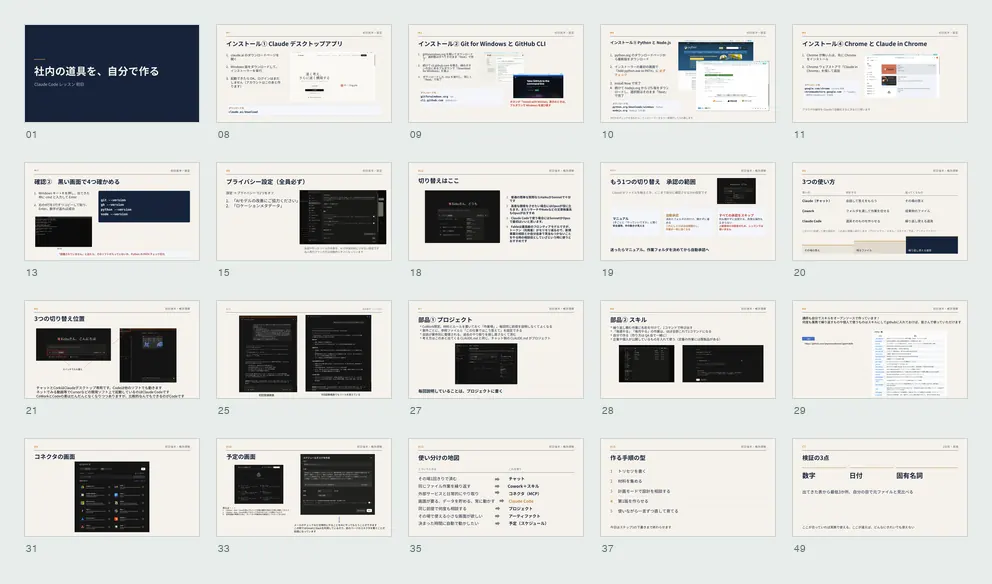
Workshop example / Company anonymous
Participants submitted 28 ideas, including invoice checks, sales materials, and expense processing. We organized the required materials and possible approaches, then worked on priority topics during the workshop.
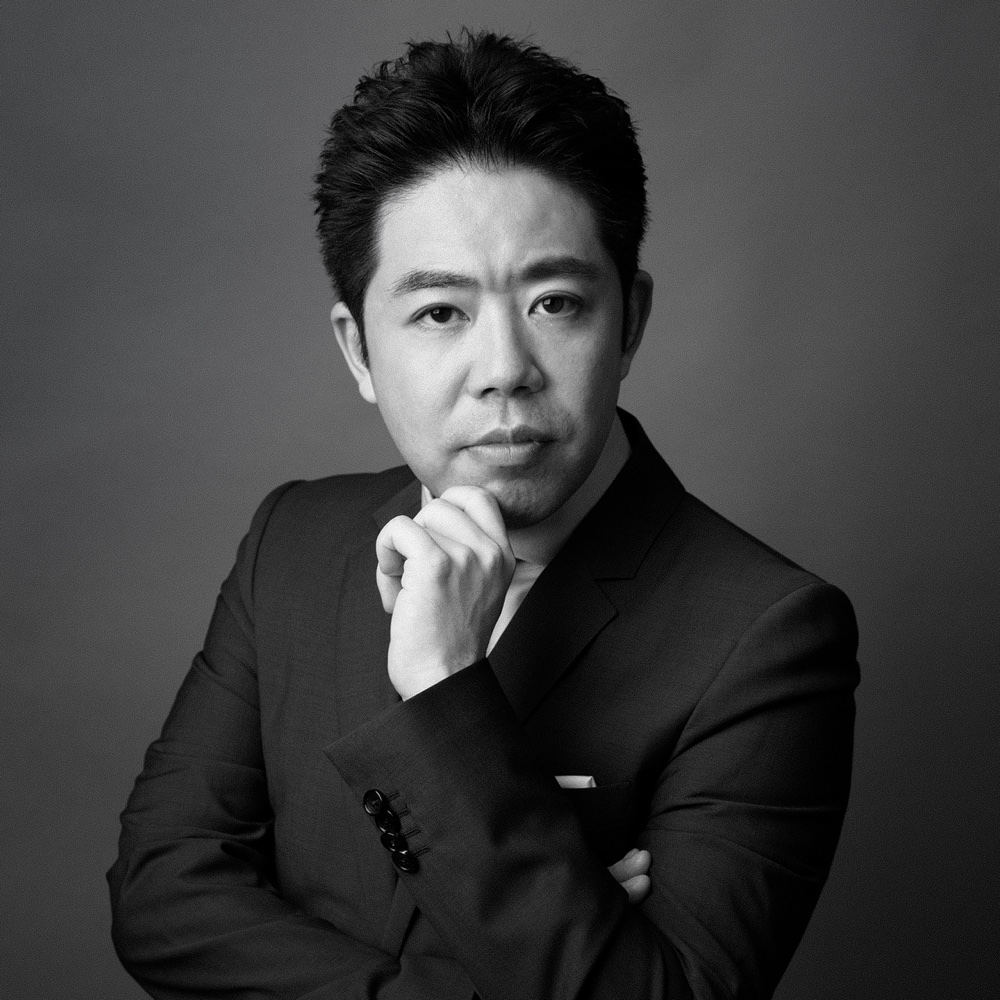 ZenChAIne / Keita Sunaga
Your contact for preparation, teaching, and follow-up
Founder, ZenChain LLC / Representative Director, Samurai Inc.
Keita began his engineering career developing ATM systems. He later led EC package development at Digital Garage and became a director and executive officer at e-Cash Inc. (now PATH Corporation), where he experienced the company’s listing on the Tokyo Stock Exchange’s Mothers market.
He founded Samurai Inc. in 2010. Following investment from Sony Payment Services, Samurai was acquired by a Web3 company in 2024. He remains its representative director. He subsequently founded ZenChain LLC, providing technical advisory and development support for companies using AI to build software, modernize existing systems, and develop in-house capabilities.
He designs each workshop around your company’s work and the tools you want to build. Through live demonstrations, he explains how to instruct AI, check its output, and fix results that do not work as intended. His hands-on experience also informs support with software installation and internal IT restrictions.
Both plans are private to your company, for up to five people including a business leader. We recommend a plan after discussing your goals and environment.
Workshop + practical support
Get individual help with setup, evaluation, and improvements.
Discuss this planUpgrade from the ¥300,000 plan for an additional ¥200,000. Additional individual research begins after the upgrade.
No. We start by describing your work and goals in ordinary language. We check your basic PC skills and environment before the workshop.
Yes. We discuss your daily work and time-consuming tasks to choose a suitable topic together.
We discuss restrictions in advance. The supported plan includes checking requirements and helping explain them to your IT team. We confirm a suitable environment within your company’s rules before proceeding.
We work on a prototype, check it, and improve it. The workshop does not guarantee a production-ready product or completion of every requested tool. Additional development can be discussed separately.
Yes. Tool improvements, internal rollout, PoC development, technical advisory, and external CTO support can be discussed. Work beyond the workshop allowance is quoted separately.
We also support software development, system modernization, and in-house development.
Development & advisory